All stories · Article
Final BFCM checklist: The old discount codes that could cost you orders
While Shopify sellers are busy fine-tuning their Black Friday discounts, an older problem may be quietly undermining the promotion: discount codes still running inside automated email and SMS flows.
Share: WhatsApp · Telegram · X · Facebook · LinkedIn · Email

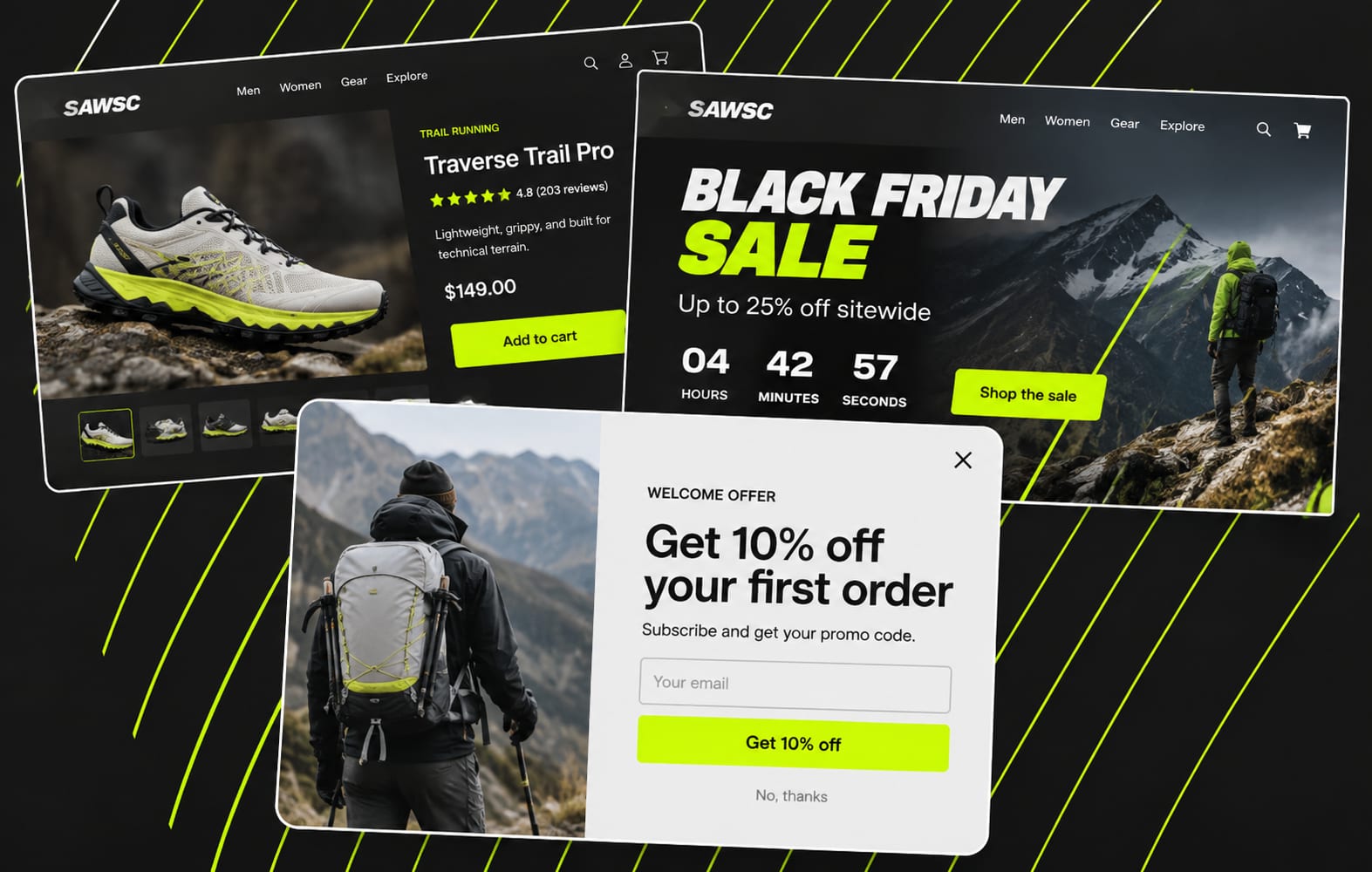
Between November 7 and 12, several email marketing and CRO operators, including Chase Dimond, Tarik ABIDA and Michael Galvin, raised the same warning. Welcome, abandoned-cart and winback flows can continue sending old offers even after a store launches its BFCM sale.
The result depends on one setting in Shopify: Combinations. An old code can either stack with the new promotion and cut deeper into your margin, or lose to the sale discount and leave customers wondering why their welcome offer is worth less.
One customer, two conflicting offers
Imagine a shopper signs up for your newsletter and receives a 10% welcome code.
A few minutes later, they visit your Instagram page and see a Black Friday promotion offering 25% off.
They return to your store, enter the welcome code and discover that it either adds another discount or does nothing because a better offer is already applied.
Neither outcome is ideal.
The shopper may question whether the promotion is genuine, contact customer support to clarify which offer is valid, or simply leave.
Tarik ABIDA described a similar situation involving a skincare store where a 10% popup offer appeared alongside a 25% sale. The underlying issue was an automated Klaviyo flow that continued operating without an appropriate end date.
The warning was summed up in a November 12 post by SendIt! Podcast, co-hosted by Chase Dimond:
"Confusion costs orders."
SendIt! Podcast@SendItpodYour old email flows can undercut your Black Friday offer.
Audit conflicting discounts. Suppress recent buyers. Coordinate email and SMS. Test every link and code.
Confusion costs orders.
@jimmykim @ecomchasedimond https://t.co/1rgYXW6LV1Nov 12, 2026 · View on X
The problem is not necessarily the discount itself. It is the fact that different parts of your store may be communicating different offers to the same customer.
Will your old code stack on the sale, or lose to it?
Shopify does not automatically combine every discount.
For two discounts to work together, their combination settings must allow the relevant discount classes. If they cannot combine, Shopify applies the best eligible discount or combination for the customer's cart.
This creates two possible outcomes.
Scenario A: Both discounts can combine
A customer receives a 10% welcome code while a Black Friday discount is already active.
If both discounts are eligible and configured to combine, the customer may receive both. That means a larger discount than you originally planned, potentially reducing your profit margin.
The actual calculation depends on the discount classes. For two percentage-based order discounts, Shopify calculates both percentages against the original order subtotal.
Scenario B: The discounts cannot combine
The customer enters the old welcome code, but Shopify applies the better eligible discount instead.
The shopper sees the Black Friday offer, not the additional benefit they expected from signing up.
From the seller's perspective, the checkout may be working exactly as configured. From the customer's perspective, the welcome offer feels pointless.
One setting determines whether your old code stacks with the sale or loses to it.
You can review the rules in Shopify's official guide to combining discounts.
Removing a code from an email does not necessarily deactivate it
This is where many sellers can overlook the real problem.
An automated flow is not just a collection of emails. It can contain multiple messages, waiting periods, conditional branches and coupon rules.
Even if you update the first welcome email, other messages may still contain the old promotion.
There is another important distinction: an already-issued discount code can remain valid even after you change the coupon setup.
Klaviyo explains that when you change a coupon definition inside Klaviyo, previously sent codes are not affected by that change. They retain their original discount rules. Changing the underlying Shopify price rule can have a different impact.
Read: Klaviyo's guide to creating unique Shopify coupon codes.
Pay particular attention to:
- Welcome flows that send a fixed or dynamic discount code.
- Abandoned-cart emails and SMS reminders.
- Winback campaigns targeting previous customers.
- Customers currently waiting inside a flow delay.
- Subscription portals and old promotional banners or images.
Not every Shopify store faces the same risk. If your automated messages do not distribute discount codes, or your promotion does not overlap with other active discounts, the issue may be less relevant.
Before you freeze the store: Run one test per code
Black Friday 2026 falls on November 27. That gives sellers a limited window to audit their existing promotions before the main sale.
Here is a practical checklist.
1. Find every place that distributes a discount code.
Check your popup forms, welcome and abandoned-cart flows, winback emails, SMS campaigns, subscription portals and promotional graphics.
Do not assume that the code mentioned in your first email is the only one still circulating.
2. Test each code at checkout on mobile.
Use a test cart and check what happens when you enter each old code alongside your BFCM offer.
Test at least two situations:
- A cart that meets the discount's eligibility requirements.
- A cart that does not meet those requirements.
Shopify also recommends testing discount combinations directly through checkout. You can enter the codes, inspect the result and stop before payment.
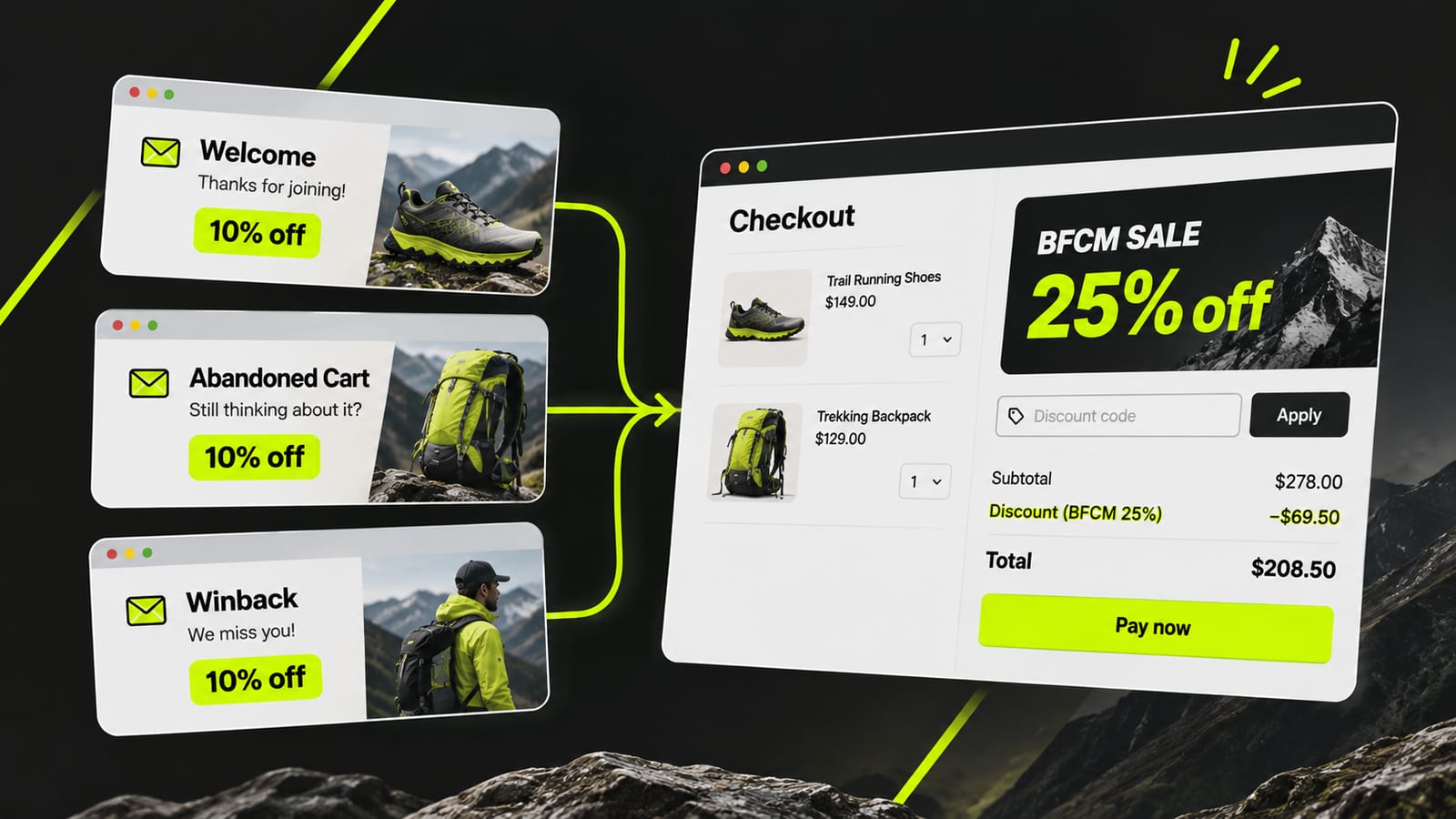
Shopify: Test your discount combinations
3. Fix the outcome, not just the email copy.
- If the old code stacks and the additional discount is not financially sustainable, review and change its combination settings or deactivate the old promotion.
- If the old code loses to the BFCM offer, update upcoming messages to explain the current sale and its end date.
- Check whether previously issued codes remain active and decide whether their validity or restrictions need to change.
For every temporary change, assign an owner and record a date to reverse it after the sale.
Klaviyo's last-minute BFCM checklist also recommends setting coupon expiration dates that align with the end of the promotion.
What to check this week
Your BFCM discount may already be final. But that does not mean every customer-facing offer is aligned with it.
Before freezing your store, audit every active discount, identify the codes still circulating and test them against the new promotion.
One old code can create two different problems. A single test order can help you find out which one your store has.
Ask AI next
- How do I find every Klaviyo flow email or SMS that still sends a Shopify discount code?
- Does editing or deleting a Shopify discount deactivate the unique codes Klaviyo already sent to customers?
- How can I stop or replace a discount email for Klaviyo profiles already waiting in a flow delay during a sale?
- Which Shopify report shows how many orders used each discount code and how much each code cost in discounts?
- Which Shopify apps can audit old discount codes and expire them in bulk before a sale?